How to Get Your PMP Certificate
Kindly follow these steps to access the course, take the exam, and obtain your accredited PMP certificate.
- Visit www.Nasergy.com
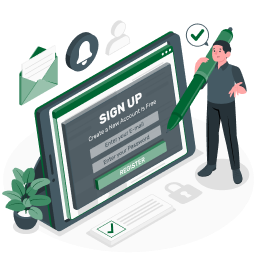
- Create a new account
- You will receive an email with account activation
- Click on www.Nasergy.com > Courses
- Register to PMP Course
- Do the register, payment of the course, and upload the payment voucher.
- If you already paid (or got a discount voucher), upload this voucher. Contact me to get your voucher (WhatsApp: +201024291777).
- You will receive an email with course activation.
- Watch the videos on each chapter.
- Download the material of the course: www.nasergy.com > Course > PMP > Material
- Study material which contains the summary of each chapter.
- Slides material which contains the lecture slides in PDF files.
- Take the quiz to start your exam on each chapter.
- Start implementing this chapter in practice by accessing the PMP template: www.nasergy.com > Free Material > Download.
- Create a demo for your PMP by using the Nasergy PMP Template: www.nasergy.com > Free Material > PMP Application > Download.
- Submit your application demo to Nasergy (nasergyofficial@gmail.com or naser@nasergy.com) for review.
- Visit PMI, create an account, access the PMP application, and fill it in.
- Wait for PMI approval.
- Pay for the exam.
- Take the exam.
- Congratulations!
Thanks, and Good Luck,
Mohamed Naser
Nasergy